




iControl – Mars Hydro – Smart WiFi App Controller for Lights, Temperature, Humidity, and VPD
Le prix initial était : 79,99 €.69,99 €Le prix actuel est : 69,99 €.

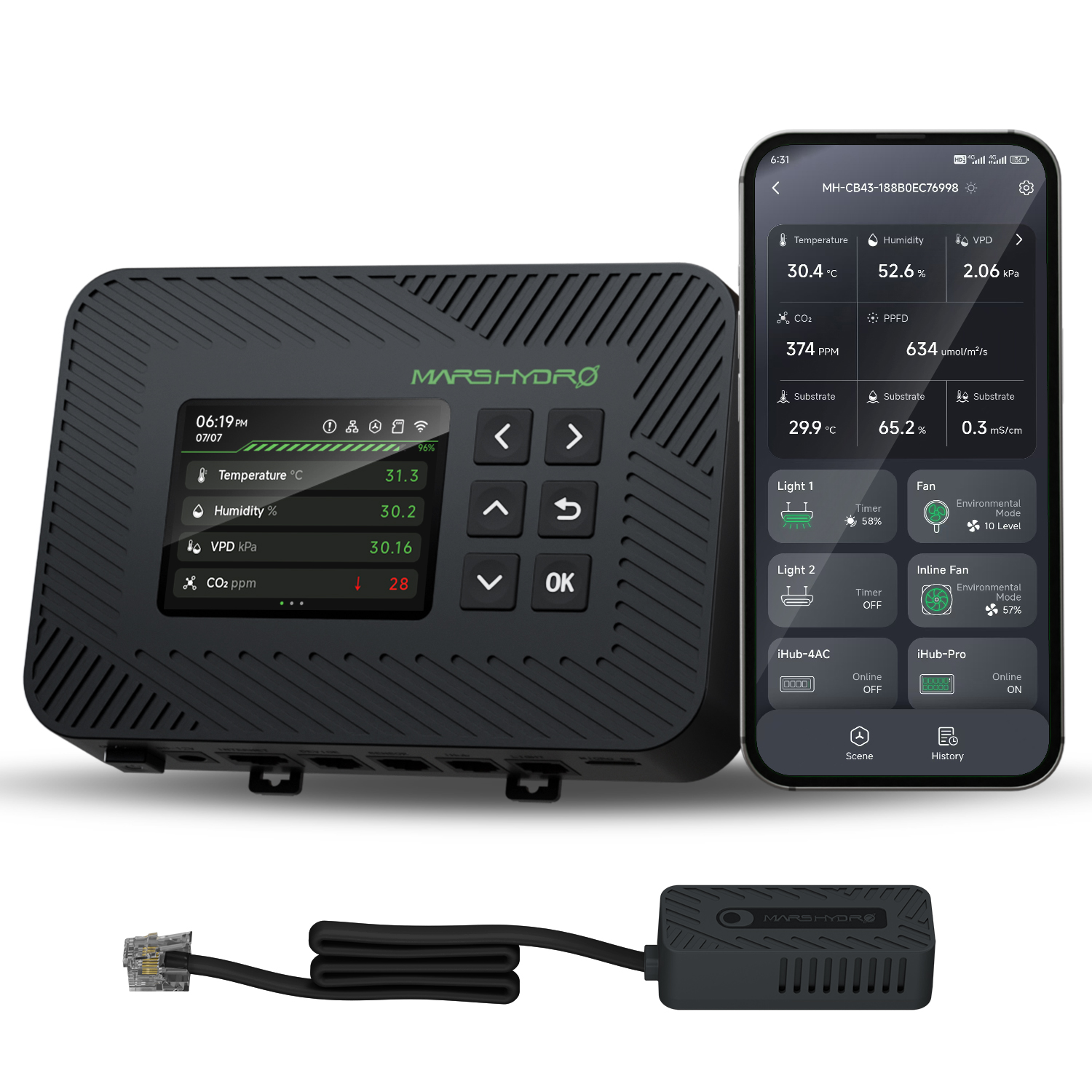
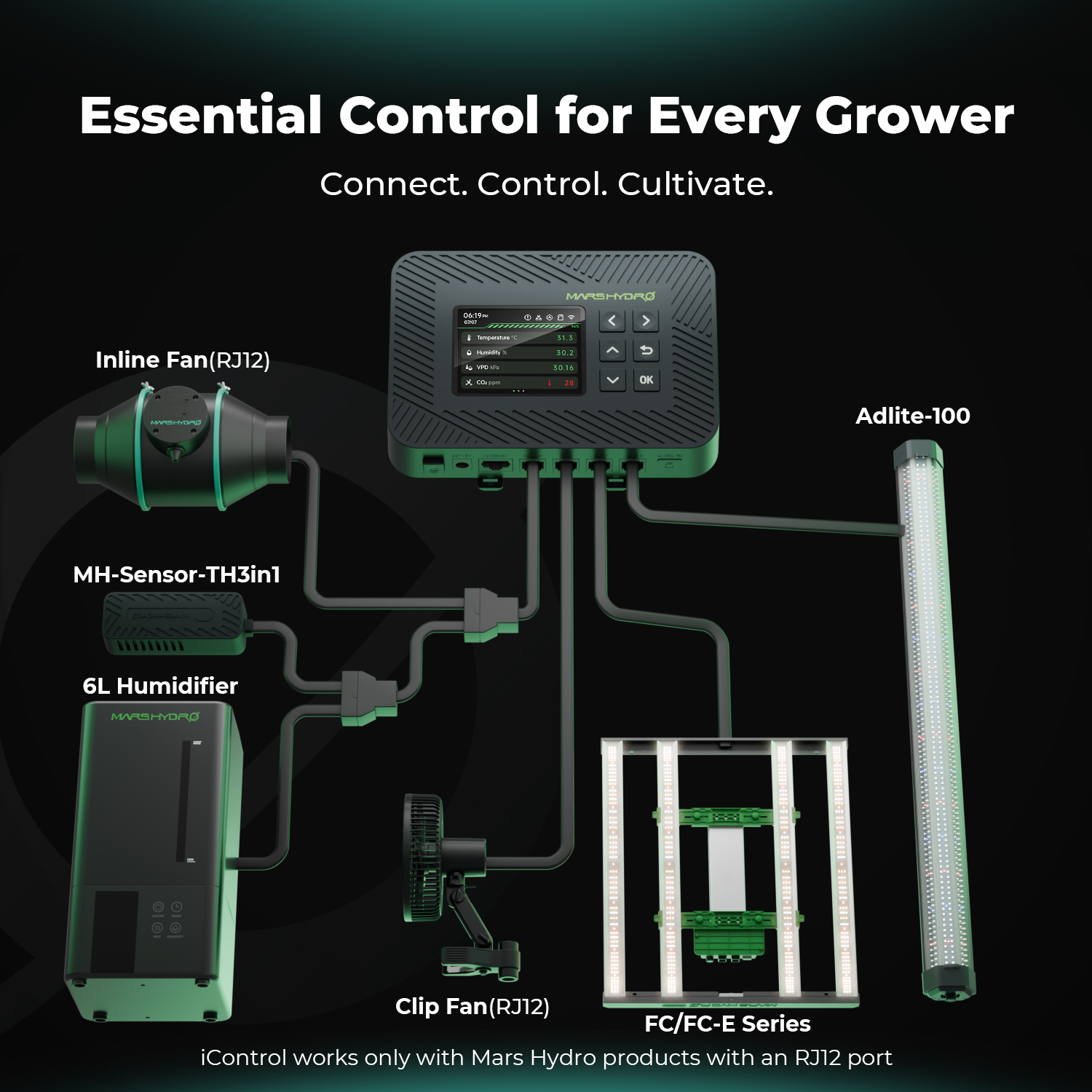
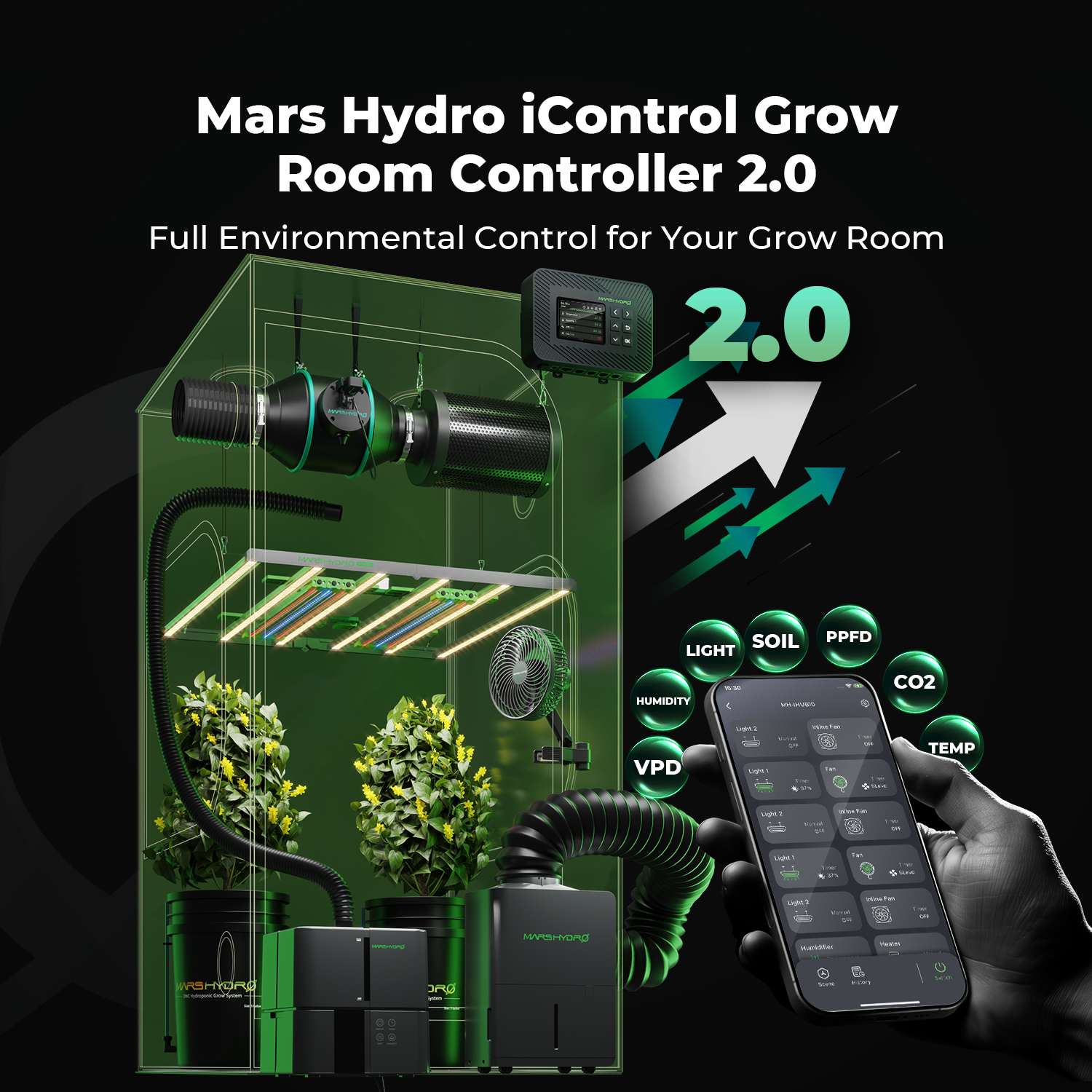
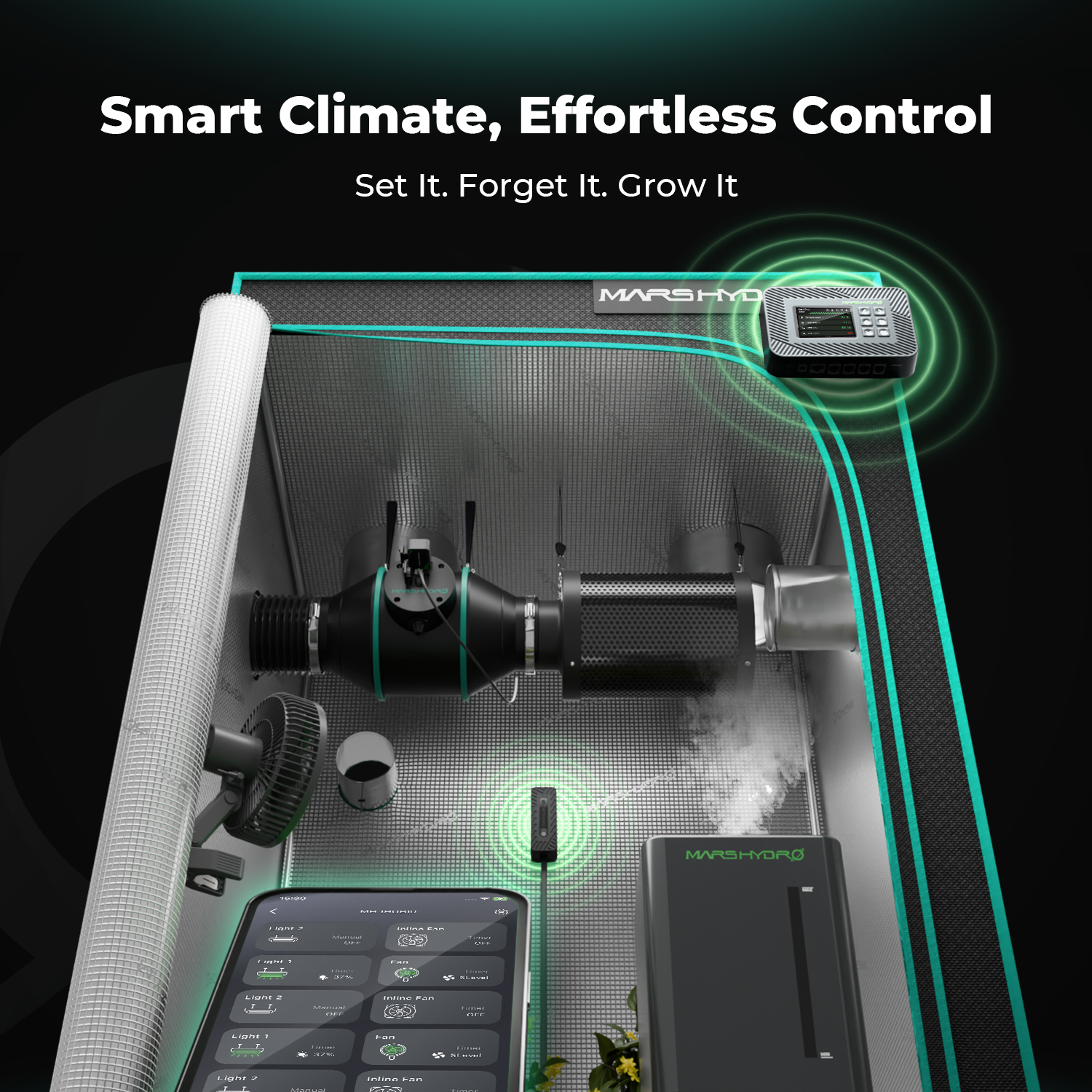
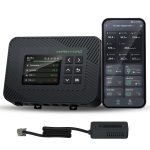
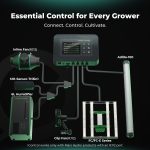
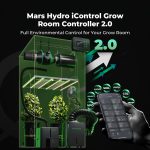
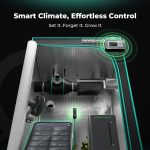
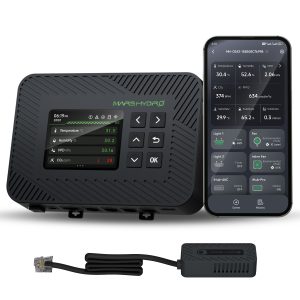
♦ Comprehensive environmental monitoring updated: Unlike the previous version, which only supported grow lights, the new iControl connects to fans, humidifiers, dehumidifiers, and other devices, enabling full automation of the growing environment.
♦ Smart temperature and humidity control: Automatically adjusts connected devices based on temperature, humidity, and real-time DPV monitoring to maintain ideal growing conditions.
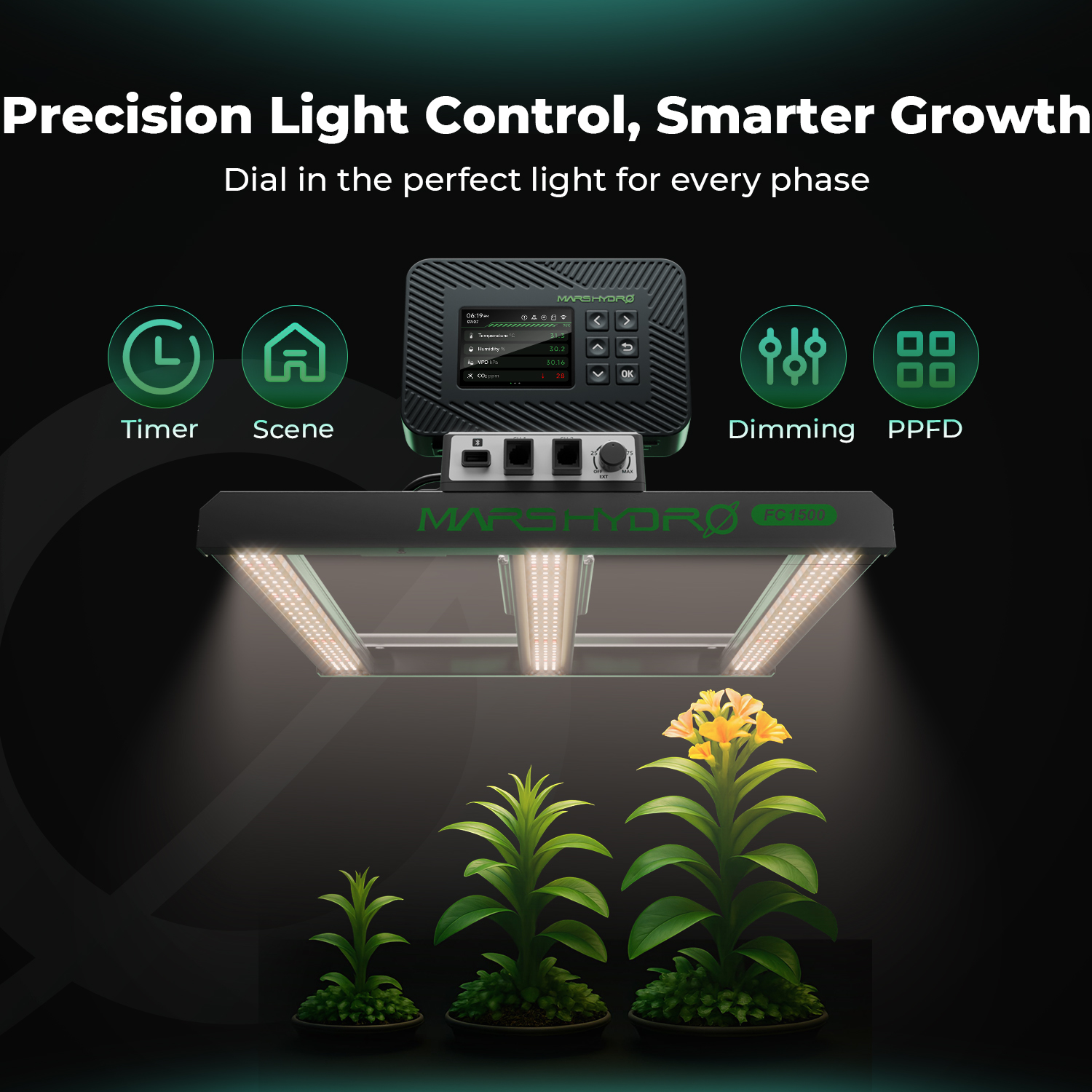
♦ Stage-based crop automation: Customize the lighting and climate settings for each stage of the plant's growth. Seedling, veg, and flower—the system will automatically switch modes based on your schedule.
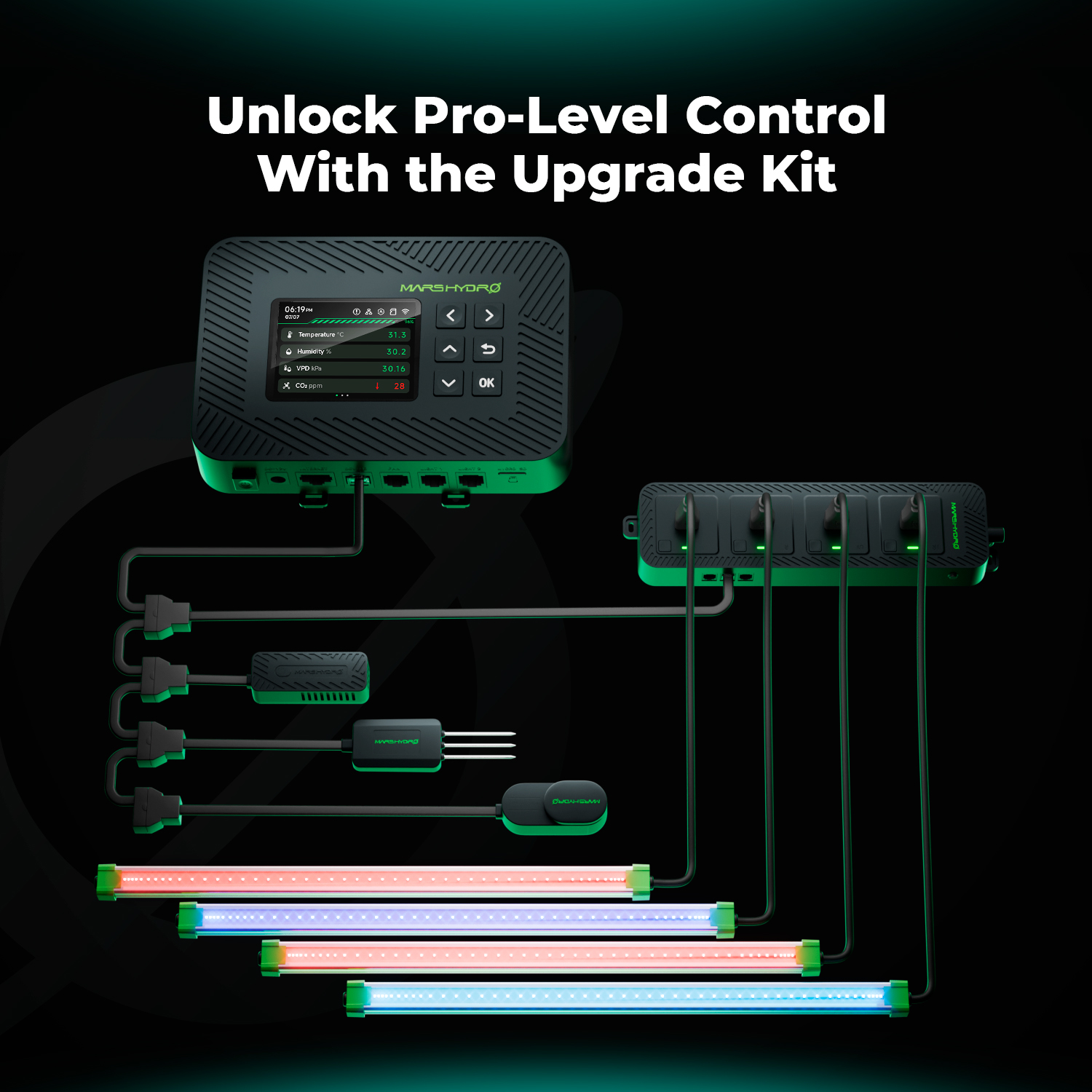
♦ Support for advanced sensor integration: Compatible with optional PPFD, soil moisture, and CO₂ sensors (sold separately) for precise, data-driven automation and improved plant health.
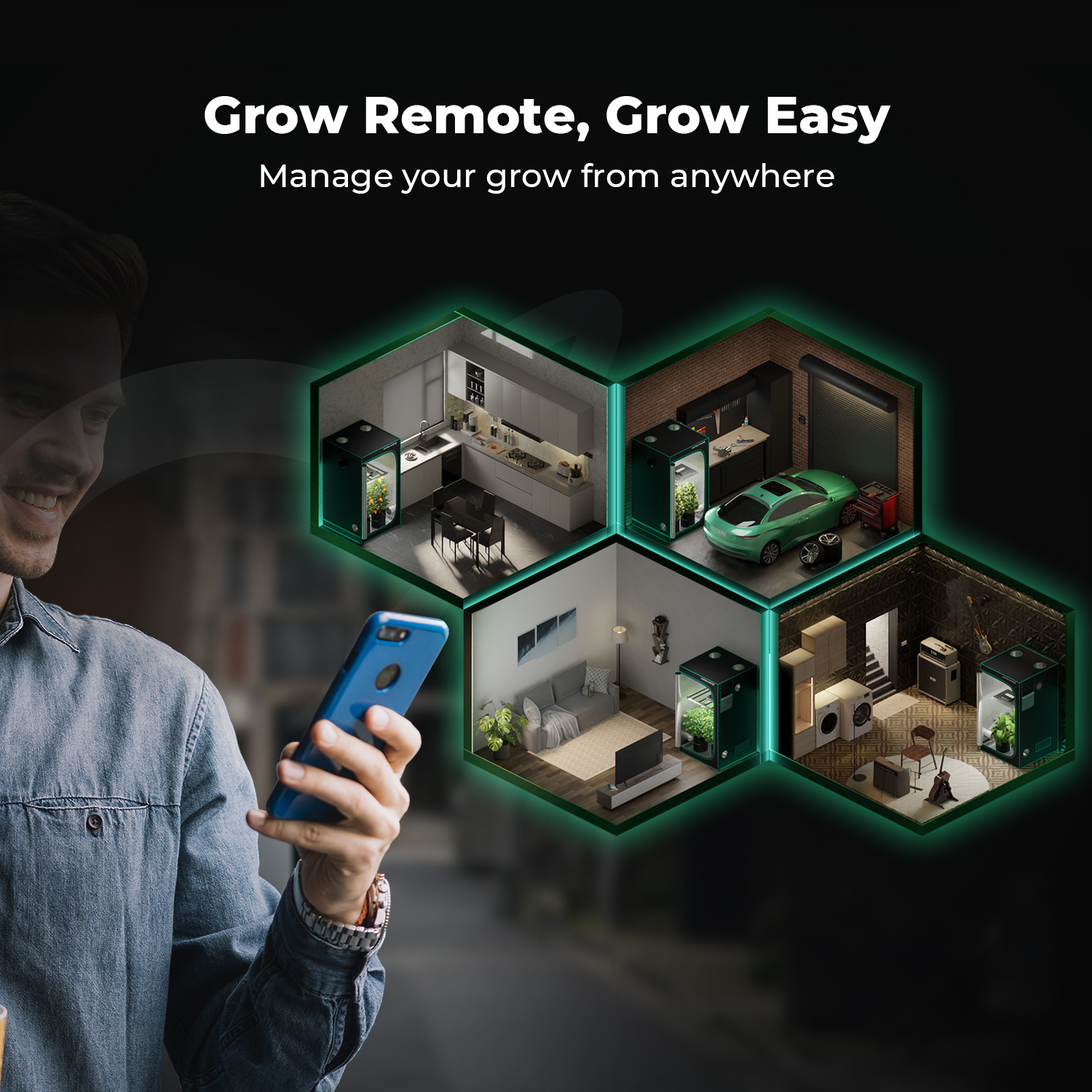
♦ App-based monitoring, logs, and smart alerts: Monitor and control remotely with the iControl app. Get real-time data logs and instant alerts in the event of a disconnection or extreme conditions.
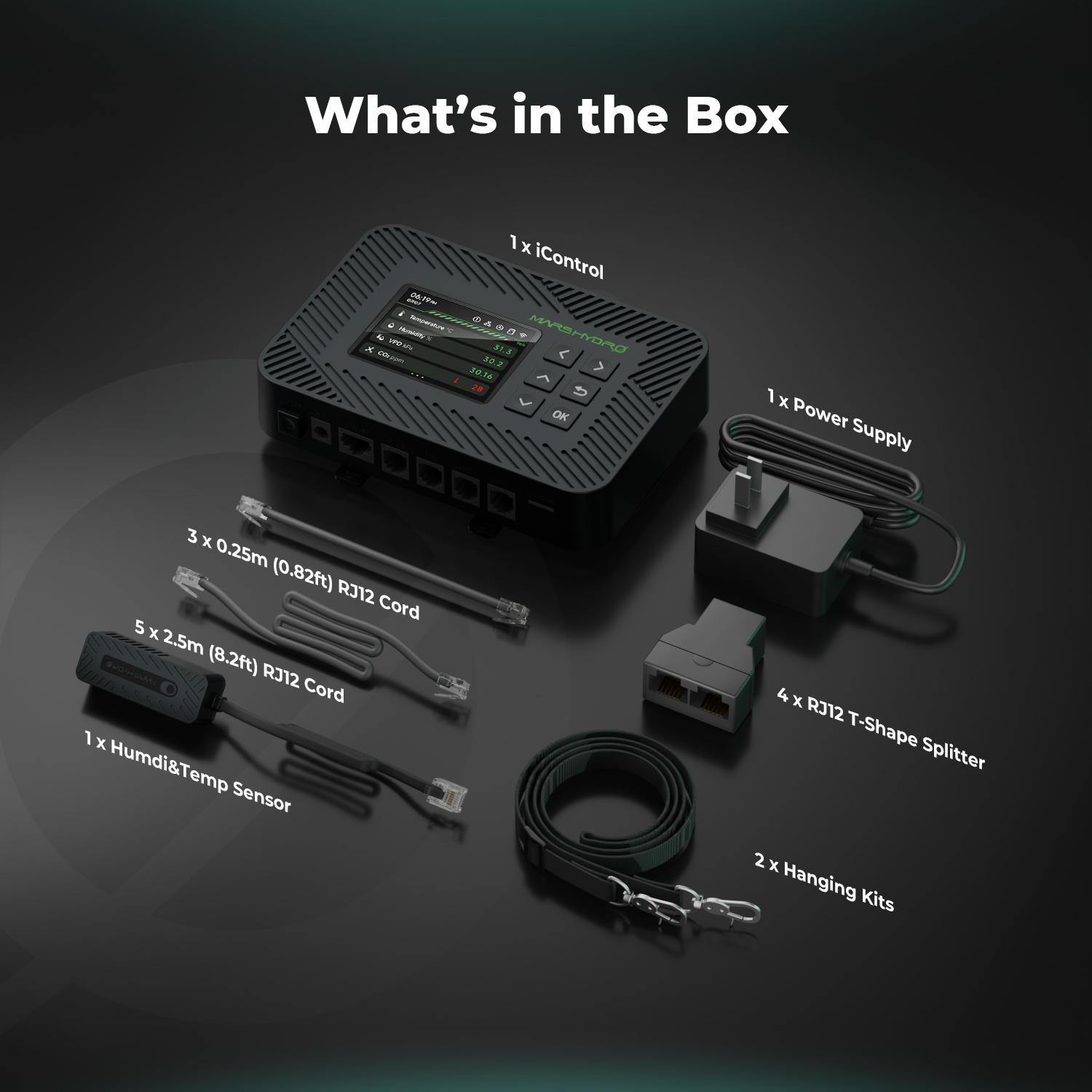
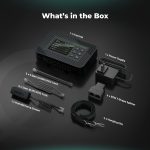
The package includes:
1 x iControl controller
1 x temperature/humidity sensor
1 x power supply
4 x RJ12 T-shaped splitters
3 x 0.25 m (0.82 ft) RJ12 cables
5 x 2.5-meter (8.2-foot) RJ12 cables
2 suspension kits
Note : This is the the latest iControl model with enhanced features and a new system design. It is not compatible with previous Controller43 controllers or older Mars Hydro iHub-4ac power strips. To take advantage of the new environmental control features, a new controller and compatible devices are required.
In stock
User Guide for Smart Products – Overview of Features
♦ Control of LED Grow Lights
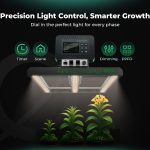
- Compatible with Mars Hydro dimmable lights: FC Series, FC-E Series, TS Series (except TS600), SP3000, SP3000R, and ADlite100. Can be connected to the iControl or iHub Pro controller for smart control. RJ12 cable connection required.
- Manual mode
Turn the light on or off directly from the app.
Adjust the brightness manually. - Timer mode
Select the control type: Light level or PPFD. - Grading report:
Click "Race Scene" to set the working hours and brightness levels.
Up to 5 different steps can be programmed. - PPFD mode:
Requires a PPFD sensor.
After selecting PPFD, click "Daytime" to set the working hours and the target PPFD value.
The light will automatically adjust the brightness to maintain the target PPFD.
Up to 5 different steps can be programmed. - Sunrise/Sunset Mode
Set the times for sunrise and sunset.
The light will gradually brighten starting at 10:00 a.m. until it reaches maximum brightness before the start time, and will gradually dim after the end time until it is completely turned off.
♦ Check the fan online
Compatible with the Mars Hydro iFresh inline fan with RJ12 connector. Can be connected to the iControl or iHub Pro controller for smart control. RJ12 cable connection required.
- Manual mode
Turn the fan on or off using the app.
Adjust the fan speed manually. - Timer mode
Click "Race Scene" to adjust the fan operating times and speeds.
Up to 5 different steps can be programmed. - Cycle mode
Configure the following:
Start time
Duration: Fan operating time per cycle.
Break duration: Fan idle time per cycle.
Number of loops: Number of cycles before midnight.
The fan will follow the set cycle of operation and pause. - Eco Mode
Choose one of the three environmental strategies:
Temperature and humidity – Works when either one exceeds the defined range.
Temperature priority – If you can't do both, prioritize temperature control.
Prioritize moisture – If you can't do both, prioritize humidity control.
Adjust the fan speed and the oscillation angle.
Based on sensor readings, the fan will automatically adjust to maintain the ideal environment.
Standby speed
Once selected, the fan will continue to run at idle speed even during downtime.
4-inch fan: 205 CFM
6-inch fan: 402 CFM
♦ Fan with control clip
Compatible with the Mars Hydro Clip-On Fan with RJ12 connector. Can be connected to the iControl or iHub Pro controller for smart control. RJ12 cable connection required.
- Manual mode
Turn the clip's fan on or off using the app.
Manually adjust the fan speed and oscillation angle. - Timer mode
Click "Race Scene" to set the operating times, speeds, and swing angles.
Up to 5 different steps can be programmed. - Cycle mode
Configure the following:
Start time
Run time: The duration of fan operation per cycle.
Pause duration: The amount of time the fan is turned off per cycle.
Number of cycles: Number of on/off cycles (limited to before 11:59 p.m. on the same day).
The fan will follow the set cycle of operation and pause. - Eco Mode
Choose one of the three environmental strategies:
Temperature and humidity – Triggers when either one exceeds the defined range.
Temperature priority – If both cannot be maintained, prioritize temperature control.
Prioritize moisture – If you can’t do both, prioritize humidity control.
Adjust the fan speed and the oscillation angle.
Based on sensor readings, the fan will automatically adjust to maintain the ideal environment. - Natural Air Mode
Simulates natural wind conditions.
The fan cycles through 5 speed levels, gradually decreasing from the current level to level 1, then increasing again to the maximum speed.
♦ Humidifier / Dehumidifier
The Mars Hydro 6L humidifier and dehumidifier can be connected to the iControl or iHub Pro controller via an RJ12 cable to enable smart on/off control and speed adjustment.
- Manual mode
Turn the device on or off directly from the app.
Manually adjust the speed setting. - Timer mode
Click "Race Scene" to set the device's operating times.
Up to 5 different time periods can be programmed. - Cycle mode
Configure the following:
Start time
Duration: Cycle time of the machine.
Break duration: Device downtime per cycle.
Number of loops: Number of cycles before midnight.
Once set, the device will turn on automatically at the specified start time and follow the programmed cycle of operation and pause. - Eco Mode
After selecting the environmental strategy:
When the humidity exceeds the target level, the dehumidifier will automatically begin restoring optimal conditions.
When the humidity falls below the target level, the humidifier will automatically start operating to restore the ideal environment. - Additional note: You can also connect the Mars Hydro 6L Humidifier, 15L Humidifier, or humidifiers and dehumidifiers from other brands via the iHub Pro Power Strip. While temperature control isn’t supported, the devices can still operate in Manual Mode, Timer Mode, Cycle Mode, and Environmental Mode.
♦ Stage frame
The Scene Setting feature is available on both the iControl Controller and the iHub Pro. Once a scene is created, all devices connected to each port will automatically operate according to the defined scene strategy. By defining different environmental strategies and timing cycles for each stage of plant growth, you can achieve smart, one-click control—from seedling to harvest—for a fully automated, worry-free growing experience.
Create and name a scene
- Create a new scene and give it a name to easily distinguish between the different growth stages.
- Set the time of the scene and the environmental parameters
- Select the start time for the scene.
- Select the plant's growth stage (planting stage).
- Set the stage cycle (Stage duration).
♦ Configure environment settings such as:
- Day/Night Setting
- Temperature / Humidity / CO₂ Levels
- Lighting settings
Select a lighting control mode:
- Fixed aspect ratio
- PPFD Control Strategy
If you are using Dimming Report Mode:
- Click "Race Scene" to set the operating times and brightness levels.
Up to 5 different time intervals can be programmed.
If you are using PPFD Mode:
- Set the maximum and minimum brightness values.
- Click "Run Scenario" to define the operating periods and target PPFD values.
- The light will automatically adjust the brightness to maintain the target PPFD level.
- Up to 5 different PPFD stages can be programmed.
Note: If the target PPFD exceeds the lamp's maximum achievable PPFD, the light will operate at maximum brightness.
Sunrise/Sunset Mode
Set the duration of the sunrise and sunset transitions (for example, 30 minutes).
Before the ON time, the brightness will gradually increase by 10 % until it reaches the preset maximum.
Once the OFF timer starts, the brightness will gradually decrease until the light turns off completely after the set time has elapsed.
End of the reminder
Set a reminder before the end of the current growth phase to ensure a timely transition to the next stage.
| PRODUCT IDENTIFICATION | |
|---|---|
| Brand | Mars Hydro |
| Product model | iControl - Smart WiFi Control for Lighting, Temperature, Humidity, and VDP |
| Product Series | Mars Hydro Controllers |
| Référence | MH-iControl |
| PRODUCT GUIDE | |
| Warranty | Show |
Order confirmation
Once your payment is confirmed, you will receive a confirmation email. We automatically check our inventory. If a product is out of stock, we will contact you to offer the option of backorder or a refund. In-stock items are shipped within 1 to 2 business days.
Pre-orders: If the product title includes “[Pre-order],” shipping typically takes place within 2 weeks or according to the estimated delivery time provided.
Delivery areas
CHILLROAD ships to all countries in the European Union through its European logistics partners:
Germany, Austria, Belgium, Bulgaria, Croatia, Denmark, Spain, Estonia, Finland, France, Greece, Hungary, Ireland, Italy, Latvia, Lithuania, Luxembourg, Netherlands, Poland, Portugal, Czech Republic, Romania, Slovakia, Slovenia, Sweden.
Shipping and Tracking
- Carriers: DHL, GLS, DPD, or other reliable carriers (shipped within 24 to 48 business hours, except for pre-orders)
- Estimated delivery time: 2 to 5 business days.
- Tracking: Tracking number sent by email upon shipment
- Shipping costs: Livraison offerte, sans minimum d'achat
- Multiple packages: Multiple items may arrive in separate packages
Edit an order
Please contact us immediately via contact@chillroad.com. Once the package has been shipped, any changes may result in additional fees or delays.
Returns and Warranty
Only logged in customers who have purchased this product may leave a review.
Related products
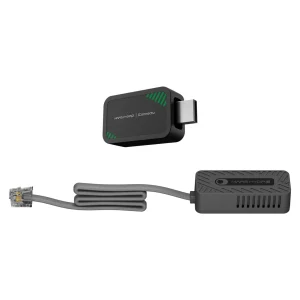
Mars Hydro iConnectU-TEMP Smart Controller
Le prix initial était : 29,99 €.24,99 €Le prix actuel est : 24,99 €.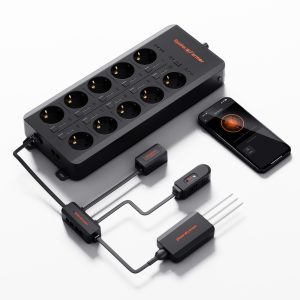
GGS AC10 Spider Farmer – Power strip with 10 outlets for climate control in the grow tent – featuring temperature, humidity, and VPD measurement, time control, historical data, Bluetooth, and Wi-Fi
Le prix initial était : 139,99 €.129,99 €Le prix actuel est : 129,99 €.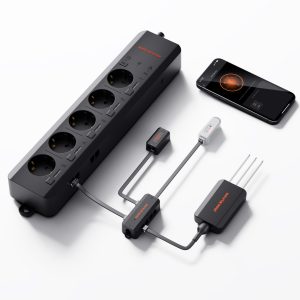
GGS AC5 Spider Farmer – Power strip with 5 outlets for climate control in the grow tent – featuring temperature, humidity, and VPD measurement, time control, historical data, Bluetooth, and Wi-Fi
Le prix initial était : 109,99 €.106,99 €Le prix actuel est : 106,99 €.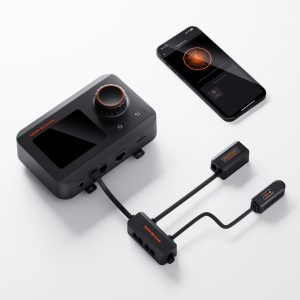
GGS Spider Farmer Smart Controller – Climate Control Kit – Monitors temperature, humidity, and VPD; features synchronization, data logging, Bluetooth, and Wi-Fi for optimized control
Le prix initial était : 79,99 €.69,99 €Le prix actuel est : 69,99 €.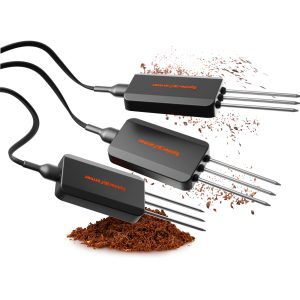
GGS Smart 3-in-1 Soil Sensor Pro Spider Farmer – Precise control of drip irrigation, substrate type selection, and real-time monitoring of EC, temperature, and soil moisture
Le prix initial était : 89,99 €.79,99 €Le prix actuel est : 79,99 €.
iConnectU Mars Hydro – Smart LED Controller – MarsPro App
Le prix initial était : 19,99 €.16,99 €Le prix actuel est : 16,99 €.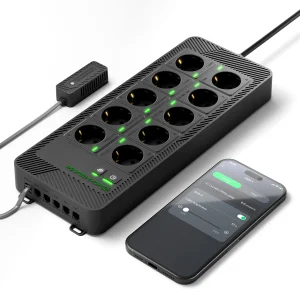
iHub Pro – 10 outlets – Smart WiFi Control (light, temperature, humidity, air) Mars Hydro
Le prix initial était : 119,99 €.94,99 €Le prix actuel est : 94,99 €.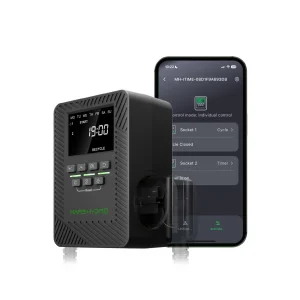
iTime 2-in-1 Smart Timer – Mars Hydro Dual Outlet, App-Controlled, and Flexible Programming Timer
Le prix initial était : 39,99 €.32,99 €Le prix actuel est : 32,99 €.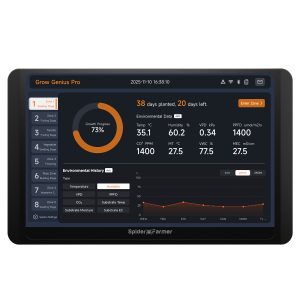
GGS Pro 2026 Spider Farmer Controller Kits | Integrated climate control for large-scale standalone grow rooms | Ideal for industrial and commercial growers | Temperature, humidity, VPD monitoring, scheduling, data tracking, Bluetooth, and WiFi
Le prix initial était : 419,99 €.409,99 €Le prix actuel est : 409,99 €.
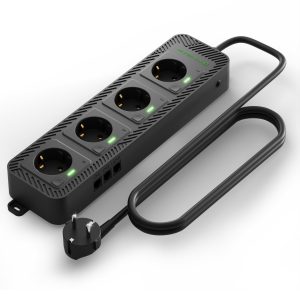
Mars Hydro iHub-4AC 2.0 Power Strip – Flexible add-on module for the iControl smart controller
Le prix initial était : 69,99 €.49,99 €Le prix actuel est : 49,99 €.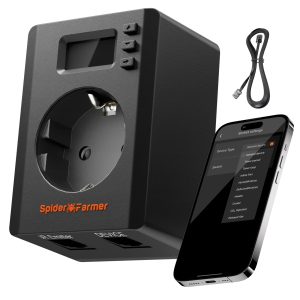
S-Station Spider Farmer – 3680W 16A Wi-Fi and Bluetooth Smart Plug for indoor gardening, supports automation based on temperature and humidity sensors, specifically designed for connecting and intelligently controlling non-Spider Farmer devices via the Spider Farmer app
Le prix initial était : 39,99 €.37,99 €Le prix actuel est : 37,99 €.




Reviews
Clear filtersThere are no reviews yet.